
Begin with the decision the model must support
A building information modelling (BIM) model can represent design intent, recorded site conditions or information connected to a physical asset. Before relying on it, ask what evidence supports the particular decision. Confirming that a duct exists is different from confirming that the ventilation system has passed its performance tests.
A model built from verified site observations can provide evidence of installation within the recorded coverage and date. The useful question is therefore how its information was captured, checked and kept current, rather than whether models can represent reality at all.
Distinguish a scan from a digital twin
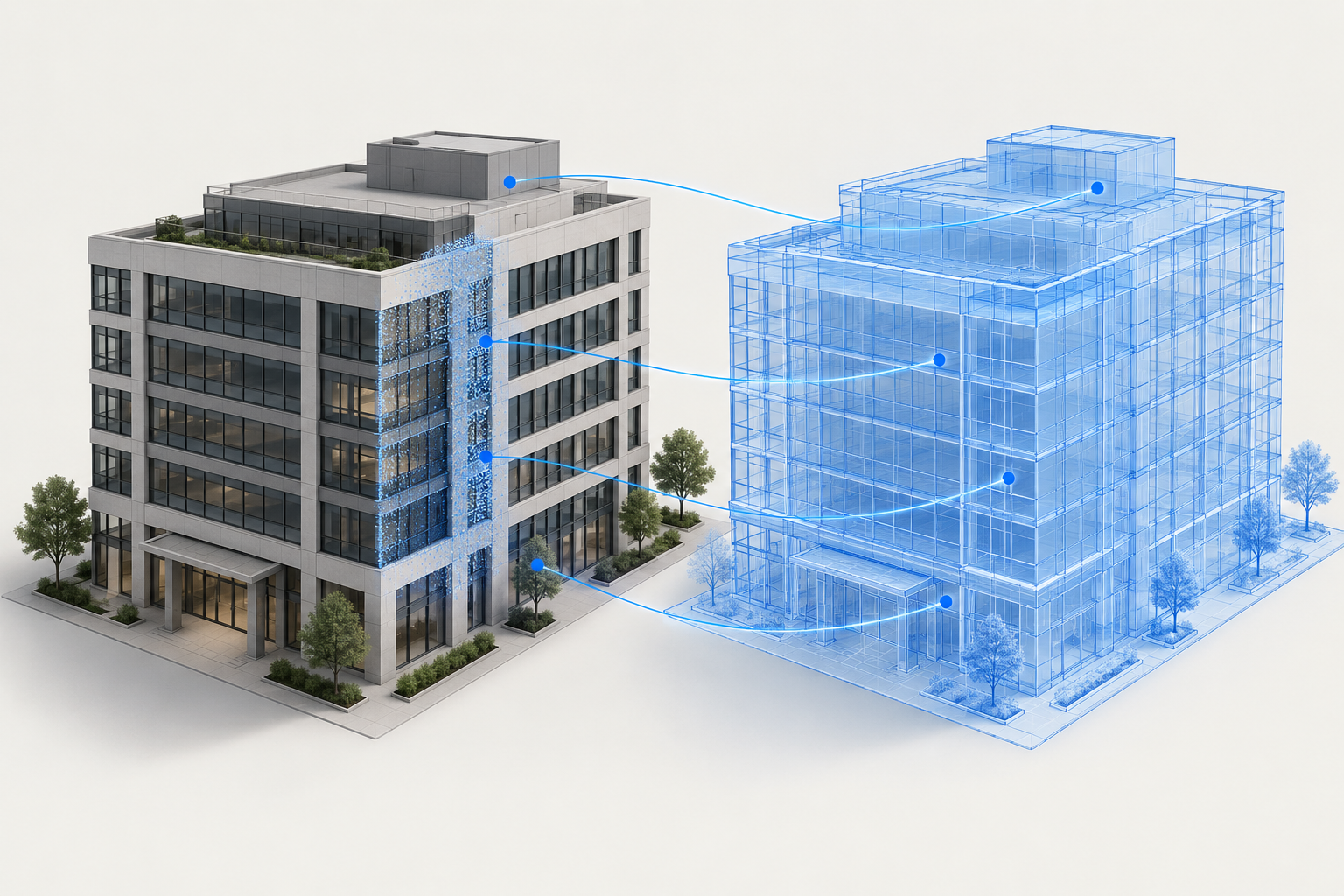
Laser scanning captures measured points from physical surfaces. Autodesk describes using this point cloud data to create BIM models of existing building geometry [2]. A scan and the model derived from it can record a site's condition at the time of capture. Check that the model actually follows the scan rather than merely linking the scan beside unchanged design geometry.
NIST describes a digital twin as a dynamic, data-driven representation connected and synchronised with its physical counterpart [1]. A one-off scanned model is not automatically a digital twin. Scanning can provide its geometric foundation, while connections to other verified asset and operational data keep the relevant representation aligned with the physical asset.
Make the evidence traceable
For an installation review, record the capture date, surveyed area, coordinate reference, known gaps and review method. Link the observed item to the correct model element or asset identifier. State the required accuracy for the decision and how it was checked; an impressive image does not establish measurement quality.
Separate observed geometry from inferred or design-only elements. An area hidden from the scanner should not be reported as verified simply because a modelled object occupies that position. A later site change may also invalidate an earlier observation. Keep the evidence date visible when displaying installation status.
Separate installation evidence from acceptance
For illustration, a scan may show the position of a visible duct section and support a check against the agreed route. It does not, by itself, establish airtightness, airflow performance or the condition of concealed connections. Those questions need the appropriate inspection or test evidence.
Keep these results distinct in the records. Installed, geometrically checked and accepted for a stated purpose are different claims. Agree who confirms each one and what evidence is required. Evidence may be linked digitally; it need not always be a separate paper document.
Keep the connection usable after handover
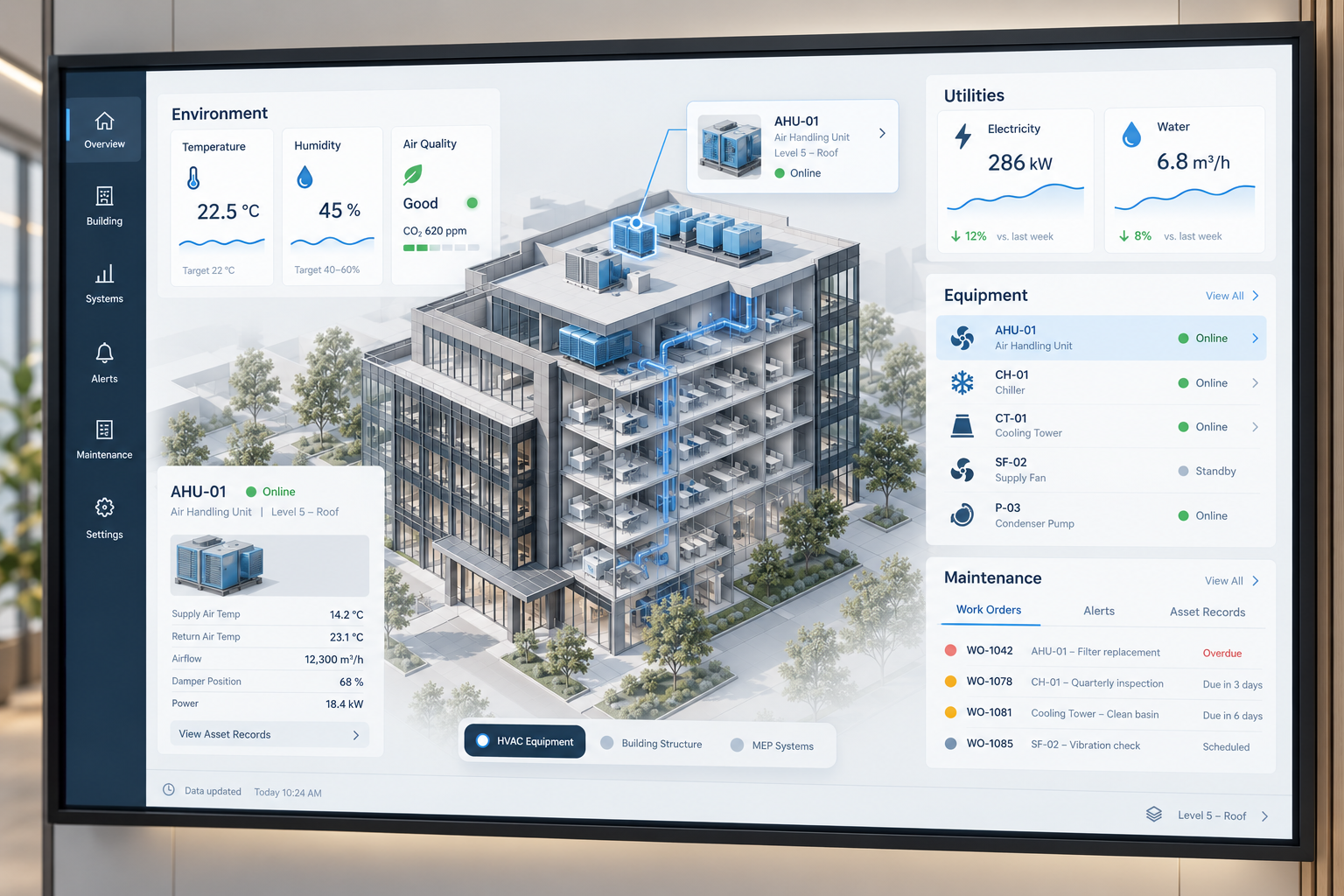
Define who updates each data source and checks that it relates to the right asset. Agree the update frequency needed for the intended task, how stale or missing data is shown, and what happens when equipment is replaced. Do not describe periodically updated information as live without an appropriate connection and update process.
Begin with a bounded task, such as locating equipment and accessing its verified maintenance information. Test it with the receiving team before adding further connections. If the task only needs a verified snapshot, specify that deliverable honestly rather than calling it a digital twin.
A practical readiness checklist
- The intended decision and required information are defined.
- Observed, inferred and design-only information are distinguishable.
- Capture dates, coverage and accuracy checks are recorded.
- Site observations and data sources link to the correct assets.
- Installation evidence and acceptance results remain separate.
- Updates, missing data and asset replacements have assigned owners.
Before commissioning a digital twin, SmartBuild Tech can help clarify the BIM and asset information package it will depend on. Surveying, live connections and specialist system integration should be scoped separately with the responsible providers.
References
- National Institute of Standards and Technology Essential Elements of Digital Twins ↗ Connected and synchronised physical representations. Accessed 3 October 2026.
- Autodesk Use Point Cloud Data in Revit ↗ Point clouds and models of existing geometry. The embedded demonstration uses an older interface; no current interface steps are claimed. Accessed 3 October 2026.
Useful insight?